Arris TG3482ER Login: Default IP & Password

Log in to the Arris TG3482ER at 10.0.0.1 with admin and the label password, switch on the Admin Tool first, and fix the faults that keep owners out.
I have logged in to Arris Touchstone gateways for Xfinity customers, and the TG3482ER trips owners up more than most models. The old admin and password login you find on password sites no longer works on current firmware. Your gateway is online, and the password you need is on the label underneath it, or in the Xfinity app.
This guide gives you the TG3482ER login, the model table, and the steps that get you in, including the Xfinity app route that current firmware requires.
The Arris TG3482ER logs in at 10.0.0.1 with the username admin and the password printed on the gateway label, or a password you created in the Xfinity app. There is no shared factory password on current firmware, so do not try admin and password.
The fastest way in: tap the button below, then sign in with the details in the box.
IP Address: 10.0.0.1
Username: admin
Password: password on the gateway label
Login to Admin Panel →This button opens our 10.0.0.1 login guide, which takes you to the gateway itself. It works only when your device is connected to that gateway, by WiFi or cable. Read the password off the label on the bottom or side of your TG3482ER before you start.
How to Log in to the Arris TG3482ER
On current firmware the Admin Tool is switched off by default, so check the app step first.
- Open the Xfinity app, go to WiFi, then View WiFi Equipment, then Advanced Settings, and switch on Admin Tool Online Access.
- When you first switch it on, the app asks you to create an Admin Tool password. Choose one and save it.
- Connect your computer to the TG3482ER with an Ethernet cable or over its Wi-Fi network.
- Open a browser and go to 10.0.0.1.
- Type admin in the username field and the password you just created, or the password printed on the gateway label on older firmware, then click Log In.
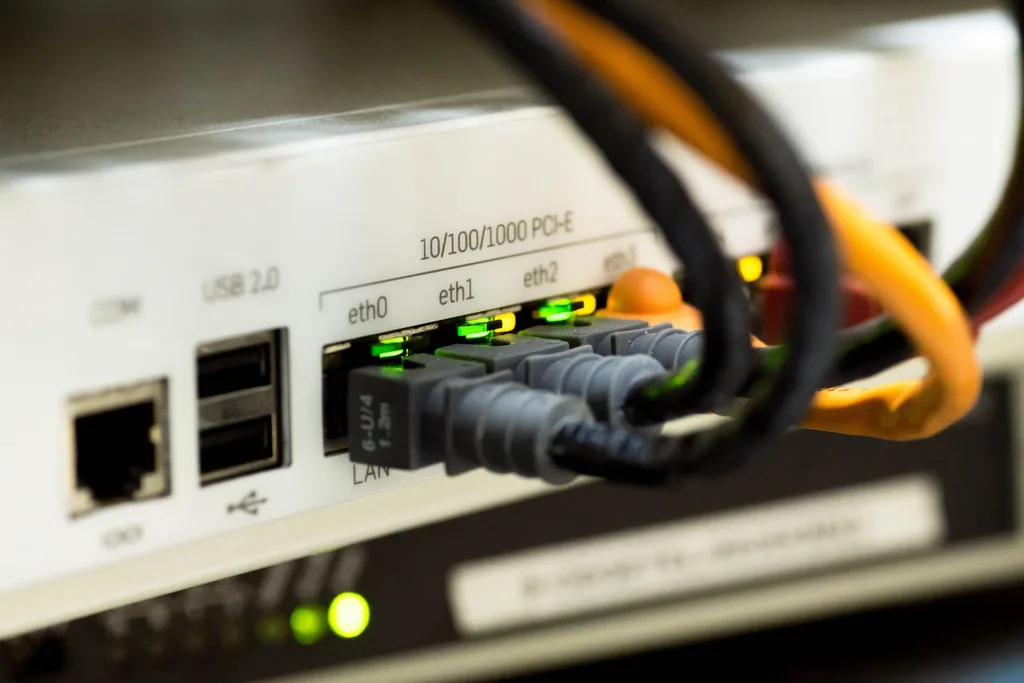
Arris TG3482ER Default Username and Password
I have seen this catch owners out: the TG3482ER is an Xfinity-supplied gateway, so its login follows Xfinity rules, not the generic Arris defaults. The table below lists the verified logins, so find your situation and try its row first.
| Model / Situation | Username | Password | Login IP |
|---|---|---|---|
| TG3482ER (Xfinity, current firmware) | admin | password created in the Xfinity app | 10.0.0.1 |
| TG3482ER (Xfinity, older firmware) | admin | password on the gateway label | 10.0.0.1 |
| Retail Arris Touchstone (older docs) | admin | password | 192.168.0.1 |
If your gateway was set up before February 2026 and you never enabled the Admin Tool, the label password is the one to try. Only accounts that enabled access before February 2026 still use the password printed on the gateway sticker. After that change, the app-created password is what 10.0.0.1 accepts.
The old admin and password pair appears in older Xfinity documents and third-party guides, but it is superseded on current firmware. I never present it as the TG3482ER default. The Wi-Fi password is a separate credential, also printed on the label, and it is unique to your gateway.
Change Arris TG3482ER WiFi Password and Network Name
I change the Wi-Fi password in the Xfinity app on gateways of this generation, because the Admin Tool no longer manages Wi-Fi settings on newer Xfinity gateways. The app route is the only one that works.
- Open the Xfinity app and sign in with your Xfinity account.
- Go to WiFi, then WiFi details, then Edit WiFi settings.
- Type your new network name (SSID) in the network name box.
- Type a new Wi-Fi password, then save the settings.
- Reconnect your devices with the new password, starting with the phone in your hand.
On older rented gateways the Admin Tool still manages Wi-Fi under Gateway, then Connection, then Wi-Fi. On this generation those fields are removed, and the app is the only route.
If the app will not let you edit the Wi-Fi settings, check that your gateway is online and that you are signed in to the right Xfinity account. The settings belong to the account that rents the gateway, not to any account on the Wi-Fi.
Arris TG3482ER Login Not Working?
- Make sure your device is connected to the TG3482ER network, not to mobile data or a different Wi-Fi network.
- Check that the coaxial cable is plugged into the gateway, and that you are on a LAN port or the gateway Wi-Fi.
- Try the right address. Xfinity gateways use 10.0.0.1, not the generic retail Arris address 192.168.0.1.
- If the Admin Tool page says access is off, switch it on in the Xfinity app first. The page will not accept any password while it is off.
- Check that Caps Lock is off, and type the password exactly as it is. The label password is case-sensitive.
- Restart the gateway: unplug it, wait 30 seconds, and plug it back in.
If you still cannot log in because the password was changed and forgotten, reset the router to factory settings: find the reset button on the back of the gateway, press it with a pen or paper clip, and hold it for a minimum of 20 seconds, or until the power light blinks. A factory reset erases custom settings, including the Wi-Fi name and password, and restores the original settings.
After a reset, the gateway returns to the label password, and you will need to set it up again. If the login page will not open at all, check that you are using the right gateway address with our router IP finder.
Arris TG3482ER Key Specs
I check the specifications before I buy or troubleshoot a gateway, because they tell me what the box can actually do. The TG3482ER is a telephony gateway from the TG3482 family, and its numbers come from the 2016 TG3482 user guide and the hardware record.
| Feature | TG3482ER |
|---|---|
| Type | Wireless router + cable modem + phone gateway |
| DOCSIS | DOCSIS 3.0 (backward compatible with 2.0 and 1.1) |
| Wi-Fi | 802.11a/b/g/n/ac, dual-band 2.4 GHz + 5 GHz |
| Ethernet ports | 4 x Gigabit LAN |
| Phone lines | Up to 2 lines (PacketCable 2.0) |
| Other | Integrated MoCA 2.0, USB host port, Li-ion backup battery |
| Hardware | Intel Puma FHCE2712, 512 MiB flash, 1 GiB RAM |
Do not confuse this model with the TG3482G, which is the Xfinity XB6. The TG3482G carries DOCSIS 3.1 and two Ethernet ports, and no primary source maps the ER to an XB generation. This article claims no XB6 badge, no DOCSIS 3.1, and no Wi-Fi 6 for the TG3482ER.
The TG3482ER logs in at 10.0.0.1 with admin and a password that belongs to your gateway alone. Read it off the label, or create it in the Xfinity app, and the admin page opens first time. Keep the label readable and the password safe, and the login never becomes a puzzle.
Arris TG3482 problems users report, and what fixed them
10.0.0.1 stops opening after bridge mode
An Xfinity forum expert explained that in bridge mode the gateway has no router functions, so 10.0.0.1 no longer works. Use 192.168.100.1 to see basic modem stats.
xFi Pods stop working in bridge mode
Xfinity warns that enabling bridge mode turns off its WiFi and xFi Pods, because Pods need the gateway as the router. Pick one: Pods, or your own router with bridge mode.
Random slowdowns that need reboots
A TG3482G owner had slowdowns on both cable and WiFi, even with a replacement unit. An Xfinity expert asked for a wired test straight to the gateway to rule out the home network first.